What is Shopify Flow?
What does it mean
Shopify Flow is a tool for automating processes in an online store on the Shopify platform. It allows you to create automatic workflows that respond to events in the online store and perform specific actions according to pre-set rules.
In practice, Shopify Flow can, for example, automatically tag a VIP customer, alert the team to a high-value or risky order, respond to low stock levels, work with products, or trigger another process in a connected application.
Basic automations can be created without programming. Shopify Flow operates on the principle of trigger – condition – action, that is, trigger – condition – action.
Instead of the team repeatedly checking the same situations and manually performing further steps, Flow monitors defined events and responds to them automatically.
More info
How does Shopify Flow work?
Each workflow defines what should trigger the automation, what conditions should be evaluated, and what should be done next.
1. Trigger
A trigger is an event that activates the workflow.
It can be, for example:
-
creating a new order,
-
creating a customer,
-
changing product data,
-
changing inventory status,
-
order fulfillment,
-
a change or another event in Shopify,
-
an event in a compatible application.
The trigger answers the question: What needs to happen for the workflow to start?
2. Condition
After the workflow is triggered, Flow can check one or more conditions and decide what should follow based on them.
For example:
If the order value exceeds €500, mark the customer as VIP.
Or:
If the order meets defined risk criteria, mark it and alert the responsible team member.
Conditions allow for branching. One workflow does not have to react to every situation the same way but can continue in different paths based on the data it evaluates.
3. Action
An action determines what Shopify Flow should do after the conditions are met.
It can, for example:
-
add or remove a tag,
-
modify data in Shopify,
-
mark an order or customer,
-
send an internal alert,
-
perform an action related to a product,
-
start another process in a compatible application,
-
communicate with an external system where supported.
A single workflow can contain multiple steps. Shopify Flow is therefore not limited to simple "if A happens, do B" rules.
What can be automated with Shopify Flow?
The possibilities depend on the specific e-shop processes, available data, Shopify plan, and applications used. Flow can be used across orders, customers, products, inventory, and other parts of e-shop operations.
Order Automation
One of the most common areas of use is orders. Shopify Flow can react to the creation or change of an order and then perform further steps based on its value, products, customer, or other available data.
You can, for example:
-
mark orders above a certain value,
-
alert the team about an unusual order,
-
distinguish orders based on defined criteria,
-
start another internal process,
-
assign a tag to the order for easier further processing.
With a large number of orders, the team does not have to manually check and sort each one.
Customer Segmentation
Flow can also work with customer data and help with automatic tagging. For example, if a customer reaches a set purchase value, you can automatically assign them a VIP tag and then follow up with another process.
Automation can be useful for:
-
identifying valuable customers,
-
tagging customers according to set rules,
-
creating bases for further segmentation,
-
starting subsequent marketing or customer processes.
Inventory Monitoring
Manual inventory status checks are time-consuming with a larger assortment. Shopify Flow can react to inventory changes and trigger another action when a defined condition is met. For example, if the quantity of a product falls below a set threshold, the workflow can alert the team or perform another available action.
Such automation helps quickly capture situations that might go unnoticed with manual checks.
Working with Products
Shopify Flow can also be used in managing the product catalog. Workflows can react to changes related to products and perform further steps based on set rules. With large catalogs, automation can eliminate a lot of repetitive manual work.
Risk Order Control
Flow can be part of the process of controlling orders that require increased attention. If an order meets predefined criteria, the workflow can mark it and alert the team to check it before further processing. However, Shopify Flow is not a standalone fraud detection system. It primarily automates responses to available data, events, and rules that you have at your disposal.
Internal Alerts
Not every automation has to change data or perform a complex operation. A very practical use of Flow is alerts.
The team can receive information, for example, when:
-
an order above a set value is created,
-
a problem occurs that requires checking,
-
the stock of a product falls below a defined threshold,
-
another important event occurs in the e-shop.
Instead of regularly manually checking the administration, the right information reaches the team when needed.
Shopify Flow and Integration with Other Applications
A major advantage of Shopify Flow is that automation does not have to remain confined to Shopify itself.
Compatible applications can make their own triggers and actions available to Shopify Flow. This allows an event in one application to trigger a workflow, and Flow can then perform an action in another supported tool.
The possibilities of specific integration always depend on what triggers and actions the application supports for Shopify Flow.
When designing automation, it is not enough to know that you use a particular application. It is necessary to verify what integration options it actually provides with Flow.
Shopify Flow and External Systems
In more advanced automations, there may be a need to pass information outside the Shopify ecosystem. Flow also supports communication with external systems, for example, through HTTP requests. The availability of specific functions depends on the Shopify plan and the method of integration.
In simple processes, Flow can replace manual information transfer between systems. However, in complex integrations with ERP, CRM, inventory systems, or custom applications, Flow may not be the only necessary technology.
In such cases, it can be part of a broader integration solution.
Ready-made Shopify Flow Templates
You don't have to create every automation from scratch. Shopify offers workflow templates that cover many common e-commerce scenarios. The template contains pre-prepared automation logic that you can then adjust according to your e-shop's needs.
This is especially useful for first automations, as you can see on specific examples how triggers, conditions, and actions work together.
For specific business processes, you can create your own workflow from scratch.
More Complex Workflows and Branching
Shopify Flow is not limited to one condition and one action. A workflow can contain multiple conditions and branch based on their results. Automation can thus react differently to various situations.
For example, one new order can proceed through the standard process based on its parameters, while a high-value order can trigger further checks and a completely different set of steps.
As the e-shop grows, so can automations – from simple rules to workflows covering multiple steps of a business process.
History and Monitoring of Workflows
In automation, it is important to know not only what was supposed to be done but also what was actually done.
Shopify Flow allows you to track activity and individual workflow runs. This way, you can check whether the workflow was triggered, how it went through each step, and whether there was a problem during its execution.
This is especially important for more complex automations, where another business process may depend on a single workflow.
What are the main advantages of Shopify Flow?
Time Savings
The biggest benefit of automation is the elimination of repetitive manual tasks. If the team performs the same check every day or reacts the same way to a specific event, there is room for automation. As the e-shop grows, time savings multiply with the number of orders, customers, and products.
Lower Risk of Human Error
In manual processes, someone might forget to mark an order, check a certain value, or pass information to a colleague. An automated workflow follows predefined rules every time it is triggered.
Automation Without the Need for Programming
Many workflows can be created directly in the Shopify Flow interface without writing custom code. This allows automating many everyday processes without each change requiring separate development.
Flexibility
Workflows can be gradually adjusted as company processes change. A simple automation can start with one rule and later expand with additional conditions, branches, and actions.
Integration of Multiple Tools
Thanks to supported integrations, Shopify Flow can be the connecting link between Shopify and other applications the company uses. Automation can thus affect not just one part of the e-shop but can connect multiple steps of a single process.
Who is Shopify Flow suitable for?
Shopify Flow is not only for large e-shops. It can be used by both small stores and large international e-commerce brands.
Its greatest benefit is wherever processes regularly repeat that can be described by clear rules.
Typically, this can include:
-
processing and tagging orders,
-
customer segmentation,
-
inventory monitoring,
-
product management,
-
internal alerts,
-
control processes,
-
data handling,
-
connecting Shopify with other applications.
In a smaller e-shop, Flow can save several regularly repeating tasks. In a larger e-commerce project, it can be part of complex process automation across multiple teams and systems.
Is Shopify Flow available in all Shopify plans?
Shopify Flow is a free application available for Basic, Grow, Advanced, and Shopify Plus plans.
However, not all features are equally available in all plans. Some advanced features, such as selected options for communication with external systems, may require a higher Shopify plan.
Before designing complex automation, it is advisable to verify the availability of specific triggers, actions, and features for the plan and applications the e-shop uses.
What do you need for effective use of Shopify Flow?
Technology alone will not solve a poorly set process. Before creating workflows, it is good to first understand what you want to automate and why.
Start with activities that your team regularly repeats:
-
What do you check every day?
-
Which data do you manually tag or sort?
-
When does someone need to alert another team member?
-
Which tasks always have the same procedure?
-
Which errors occur most often in manual work?
Then you can rewrite the process into simple logic:
What happens → what do I need to check → what should be done next.
Only then does it make sense to create a specific workflow.
What are the limits of Shopify Flow?
Shopify Flow can automate a large number of processes, but it is not a replacement for any custom development. Flow works with events, data, conditions, and actions that Shopify or a connected application has available.
If you need very specific business logic, custom functionality, complex data processing, or integration with a system that does not support the necessary options, it may be necessary to create a custom application or integration.
In complex e-shops, Shopify Flow can therefore function as one layer of automation alongside other technologies.
What is the difference between Shopify Flow and Shopify Functions?
Shopify Flow and Shopify Functions address different tasks.
Shopify Flow is for process automation. It monitors events and triggers further actions based on defined conditions.
Shopify Functions are for developers to extend and modify selected parts of Shopify's business logic using custom code.
In simple terms:
Shopify Flow = automation of workflows without the need for programming in common scenarios.
Shopify Functions = development of custom business logic in supported parts of Shopify.
These technologies do not compete and can complement each other in more complex e-commerce solutions.
Shopify Flow in a Growing E-shop
As the e-shop grows, not only does the number of orders increase. Products, customers, markets, applications, and internal processes are added. A task that the team managed manually with dozens of orders can be unnecessarily time-consuming with hundreds or thousands of orders.
Shopify Flow allows part of these processes to be automated without the need to develop each rule from scratch. In more complex projects, however, automation may be just one part of the entire solution. If you need specific design, functionality, integrations, or shopping process modifications, the solution may be a custom e-shop on Shopify, which combines the platform's capabilities with development according to your business needs.
In larger e-shops, it can help with control processes, order management, customer and product handling, or passing information between Shopify and other tools. In international sales, workflows can react, for example, to specific order or customer characteristics and trigger a different process accordingly. However, Flow itself does not replace Shopify tools designed for localization, payments, currencies, taxes, or managing individual markets. It automates processes that build on these data and events.
Frequently Asked Questions about Shopify Flow
Is Shopify Flow free?
Yes. Shopify Flow is a free application from Shopify. It is available for Basic, Grow, Advanced, and Shopify Plus plans. However, some specific features may only be available in selected plans.
Do I need to know programming for Shopify Flow?
Not for creating common workflows. Shopify Flow is designed so that automations can be assembled using triggers, conditions, and actions without writing custom code.
For complex integrations or specific business logic, however, developer assistance may be needed.
Can I create my own workflow in Shopify Flow?
Yes. You can use a ready-made template or create your own workflow according to your e-shop's processes.
Can Shopify Flow work with other applications?
Yes, as long as the application supports integration with Shopify Flow. Specific possibilities depend on the triggers and actions the application makes available.
Can Shopify Flow automate orders?
Yes. Flow can react to events related to orders, evaluate their data, and then perform available actions according to set rules.
Can Shopify Flow monitor inventory?
Flow can react to events and changes related to inventory and then trigger another action. It can thus be part of an automated inventory monitoring process.
Will Shopify Flow replace custom development?
Not in all cases. Many automations can be solved without custom development, but for complex logic, specific integrations, or functionality outside the available Flow options, custom development may be needed.
What is the difference between Shopify and Shopify Flow?
Shopify is an e-commerce platform for creating and operating an online store. Shopify Flow is one of the tools in the Shopify ecosystem that serves to automate processes and workflows.
Latest news

Phishing website: What to do when someone copies your e-shop?


Imunoklub Case Study: Unification of Two E-shops and More Value from Each Visit


ChatGPT Ads are here, are you ready?


Who is a design engineer and what do they do? A discipline at the intersection of design and code


When to start preparing Christmas campaigns?


Strategic Digitization of a B2B Company 3/3: Digitization Roadmap for the CEO

Finax Case Study: Digital Transformation of an Investment Platform Built on User Research


Strategic Digitization of a B2B Company 1/3: Why AI is Not the First Step

Google Ads update August 17, 2026: why your performance may drop and how to prepare

Contact us
Everything for the growth of your business in one place
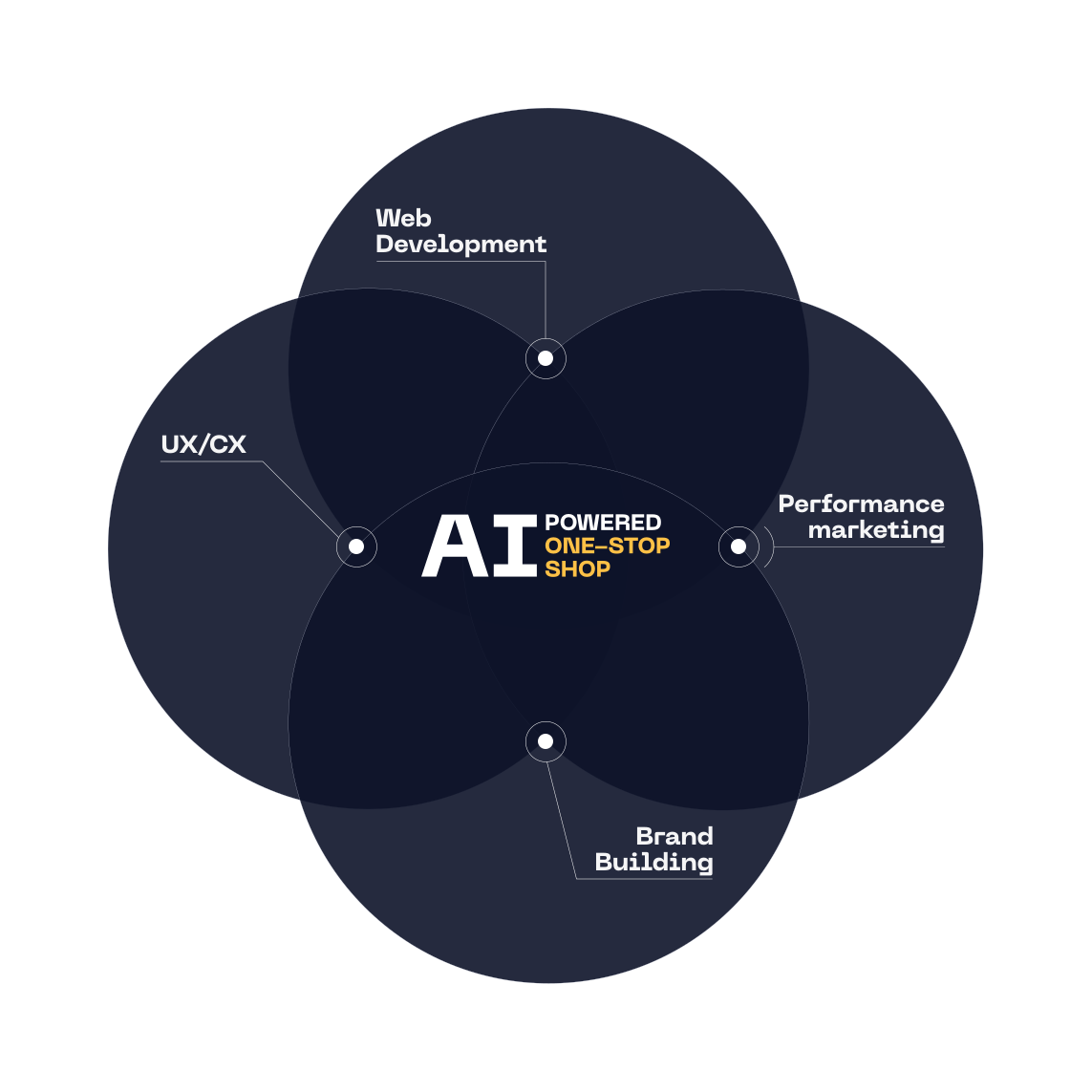
At ui42, we combine strategy, creativity, technology, marketing, and AI into one entity.
We build brands and visual identities, create websites and e-shops, design UX and CRO, create creative content, and deliver measurable results through performance marketing.
Our solutions are enhanced by FLUIDUM – ui42's AI intelligence, which transforms company data into a competitive advantage.
Thanks to this, you gain a partner who can cover the entire digital ecosystem of your business – from the first contact with the brand to conversion.
Don't miss out on the latest news from the world of UX, programming, analytics, and marketing.

Thank you for subscribing!

Get a free consultation
What do you need help with?
Select all options that apply to you
The form has been sent successfully.