Application: What is it and when is custom development worth it?
What does it mean
An application is software designed to perform specific tasks, process data, or provide digital services. It can operate in a web browser, mobile device, or computer, and its purpose is to enable the user to efficiently perform the desired activity.
From a business perspective, however, an application represents more than just a technological tool. A well-designed solution can automate processes, connect information systems, improve customer experience, or create new business opportunities.
Custom application development is particularly significant when standard software solutions cannot adequately cover the specific needs of the company, its customers, or its business model.
More info
What types of applications do we know?
Applications can be divided according to the environment in which they operate, the method of development, or the purpose they serve. The choice of a specific type affects the user experience, integration possibilities, development costs, and subsequent maintenance.
1. Mobile Applications
Mobile applications are software solutions designed for smartphones and tablets, most commonly with Android and iOS operating systems.
Their main advantage is the ability to use mobile device features such as the camera, GPS, biometric authentication, push notifications, or selected features available even without an internet connection.
From a technological perspective, we distinguish two main approaches:
- Native applications: Developed separately for Android or iOS, for example, using Kotlin and Swift technologies. They provide direct access to operating system features and are suitable for higher performance requirements or specific hardware capabilities.
- Cross-platform applications: Technologies like Flutter or React Native allow sharing a significant portion of code between Android and iOS. Depending on project requirements, they can reduce development and subsequent maintenance complexity.
When does a mobile application have business significance?
For example, when an e-shop needs to support repeat purchases, a brand wants to provide personalized services to customers, or a company needs to provide employees with work tools directly in the field. A standalone mobile application is not automatically a better solution than a responsive web. Its development is worthwhile mainly when it brings clear added value to the user.
2. Web Applications
A web application is interactive software accessible through a web browser. Unlike a classic presentation website, it allows users to actively work with data, perform operations, or manage specific processes.
Typical examples are customer portals, B2B ordering systems, reservation platforms, online configurators, or internal company tools.
A web application usually consists of two main layers:
- Frontend: The user interface through which a person interacts with the application.
- Backend: The server part that processes requests, ensures business logic, works with databases, and communicates with other systems.
Technologies such as JavaScript, TypeScript, React, Vue, or various backend frameworks are used in development. The specific technological architecture depends on the project's requirements.
For companies, the key advantage of web applications is their flexibility. Users can access them from various devices without the need for traditional installation, and new functionalities can usually be made available centrally. However, for more demanding projects, it is necessary to thoroughly address security, scalability, performance, and integration with existing IT infrastructure.
3. Desktop Applications
Desktop applications are software solutions designed for computer operating systems, mainly Windows, macOS, and Linux. Their significance lies primarily in situations where the application needs to intensively use the device's performance, work with local files, or communicate with specialized hardware.
Unlike web applications, desktop solutions can provide broader access to system resources, efficiently process large volumes of data, and ensure selected functions even without continuous internet connection.
In practice, they are used, for example, in:
- Graphics and multimedia processing: Professional tools for video editing, 3D modeling, or working with extensive graphic projects.
- Industrial and technical processes: Applications for controlling devices, processing measurements, or communicating with production systems.
- Business operations: Specialized accounting, analytical, or warehouse systems that work with local data and peripherals.
However, a desktop application is not always necessary. Many business processes can now be effectively secured with a web solution. When deciding, it is not only important where the application will operate, but also what technical and operational requirements it must meet.
4. Enterprise Applications and B2B Portals
Enterprise applications represent software solutions that help companies digitize business processes, automate administration, and connect individual departments or information systems.
Unlike regular applications intended for end users, enterprise solutions often have to work with complex processes, individual business conditions, various user roles, and large amounts of data.
A typical example is custom B2B portals, which connect business partners, customers, and internal company systems into one digital environment.
B2B portal as a business hub
Imagine a wholesale company that collaborates with hundreds of customers. Each has its own pricing conditions, order limits, discounts, and invoicing method. Sales representatives receive orders by phone or email, the warehouse works with its own system, and accounting processes data in ERP.
Without mutual system integration, duplications, manual administration, and room for errors arise.
A B2B portal can unify these processes and create a self-service environment for business partners.
The customer logs into their account, sees individual prices and product availability, creates an order, checks invoices, or repeats a previous purchase. The sales team does not have to process every request manually.
Integration with ERP, CRM, and other systems
The true value of an enterprise application lies not only in the user interface but also in how effectively it communicates with other systems.
Integrations play a key role in the development of B2B portals:
- ERP systems: Synchronization of products, prices, orders, inventory, invoices, and business conditions.
- CRM systems: Linking information about customers, business relationships, and sales team activities.
- PIM systems: Central management of product information and its distribution to sales channels.
- Warehouse and logistics systems: Working with product availability, shipping, and order statuses.
- Accounting and analytical tools: Automated data transfer and better insight into business performance.
When designing integrations, it is important to determine which system represents the main data source, what information should be synchronized, and how the solution will respond to potential outages.
B2B portals on the BUXUS platform by ui42
At ui42, we develop complex custom B2B portals on our own BUXUS platform, which is also designed for demanding e-commerce and enterprise solutions.
BUXUS allows connecting B2B sales with existing company infrastructure, including ERP, CRM, PIM, and other systems. It supports individual pricing, order automation, business partner management, and advanced purchasing processes.
In practice, this means, for example:
- The customer sees prices according to their contractual conditions after logging in.
- Orders are automatically transferred to the ERP system.
- Product availability is checked according to current inventory data.
- Business partners can create bulk and repeat orders.
- Sales representatives can work with customer accounts and price offers.
- Invoices, orders, and complaint processes can be directly available in the customer portal.
- Such a solution is not just another sales channel. It becomes a digital part of the company's business processes, helping to reduce administrative burden and creating conditions for further growth.
Examples include B2B solutions we implemented at ui42 for companies Slovart and TSS Group, including ERP integration and wholesale sales automation.
Mobile or web application: How to choose the right solution?
One of the most common questions when planning a digital product is whether it is more worthwhile to develop a mobile or web application. There is no universal answer. The decision should be based on user needs, required functionalities, and the business model.
A mobile application makes sense especially when:
- users need to regularly use the service via phone,
- push notifications or device functions are important,
- the application requires more advanced offline work,
- the company wants to create a standalone mobile product with long-term development.
A web application is usually more suitable when:
- the service should be easily accessible via a browser,
- users work on multiple types of devices,
- it is a customer portal, B2B system, or internal tool,
- the company needs to centrally manage updates and functionalities.
- Overall costs of ownership, security, developer availability, and future expansion possibilities also play a role in the decision-making process.
In some cases, the most effective solution may be a responsive web application or a progressive web application (PWA), which combines selected advantages of the web and mobile environments.
Why invest in custom application development?
Custom application development is not just a matter of technology. It is an investment that should bring specific business value. Ready-made SaaS solutions can cover many standard needs and often represent a faster and more affordable option. Custom development is meaningful mainly when a company needs unique functionalities, specific integrations, or a digital product that forms part of its competitive advantage.
Automation and more efficient processes
An application can replace manual tasks that employees repeatedly perform in spreadsheets, emails, or multiple unrelated systems. For example, automatic order transfer between an e-shop, ERP, and warehouse can reduce the need for manual data entry and limit errors.
Better customer experience
A well-designed application simplifies the user's path to the goal. In a customer portal, this can mean easier ordering, an overview of request statuses, or faster access to relevant information. Therefore, UX/UI design, user research, and usability testing should be part of the development process.
Integration and data handling
Modern applications rarely operate completely in isolation. They often need to communicate with payment gateways, analytical tools, CRM, ERP, or external services via API. Properly designed integration allows for more consistent data handling and creates conditions for further automation.
Scalability and long-term development
The number of users, data volume, and functionality requirements can gradually change. Therefore, it is important to consider the application's architecture, performance, security, and expansion possibilities already during the design phase. Scalability does not automatically mean building a complex infrastructure. The goal is to choose an appropriate solution that meets current needs and allows for reasonable future growth.
How does custom application development proceed?
Successful application development does not start with choosing a programming language. It begins with understanding the problem the application is supposed to solve.
1. Analysis and requirement definition
The first step is to identify users, business goals, and processes that the application should support.
It is important to determine which functionalities are essential and which can be included in subsequent development phases.
2. UX/UI design and prototyping
Before actual programming, the application's structure, user scenarios, and interface are designed.
A prototype allows verifying key interactions before investing in their technical implementation.
3. Architecture and technological solution design
In this phase, decisions are made about technologies, databases, integrations, and the method of operation.
The architecture must consider both functional and non-functional requirements, such as performance, security, availability, and maintenance possibilities.
4. Development and testing
The application is implemented gradually, with individual functionalities undergoing testing.
In addition to functionality, it is necessary to verify user experience, data processing accuracy, security, and application behavior under load.
5. Deployment and further development
The application's lifecycle does not end with its launch.
It is important to monitor performance, address security updates, collect feedback, and gradually develop functionalities based on real usage.
For new digital products, it may be appropriate to start with MVP (Minimum Viable Product) – the first version with the minimum scope of functions needed to verify key assumptions.
This approach allows obtaining feedback before making more extensive investments.
How much does application development cost?
The cost of application development depends on the project's scope, technological complexity, number of integrations, and requirements for security or performance. A simple application with a few basic functions has completely different complexity than an extensive platform with multiple user roles, its own business logic, and integration with enterprise systems. When planning a budget, it is necessary to consider not only programming but also analysis, UX/UI design, testing, infrastructure, maintenance, and further development.
The cheapest solution at launch may not be the most advantageous in the long run. The decisive factors are the total cost of ownership of the application and the value it brings.
When is a custom application truly worthwhile for a company?
Not every business needs its own mobile or web application.
Before starting development, a company should answer several fundamental questions:
- What specific problem is the application supposed to solve?
- Who will use it and how often?
- Is there a ready-made solution that can meet the requirements?
- What business outcome do we expect from the application?
- How will we measure its success?
- What will be the costs of operation and long-term development?
If the application cannot bring clear user or business value, it may be more appropriate to optimize the existing solution.
The goal of a digital project is not to create an application at any cost, but to find the most effective way to solve a specific need.
Latest news

How to get an e-shop into ChatGPT or Gemini recommendations? Interview with an expert from Ranketty


Black Friday attracts not only customers. How not to fall for scammers?

E-commerce Calendar 2027: TOP Conferences and Shopping Holidays You Shouldn't Miss


Case Study ŠK Slovan Bratislava: Shopify E-shop in the Champions League


Preparations for Black Friday in full swing: Haven't you forgotten anything?


PHP2Shell: At ui42, we didn't have to shut down a single website. We intervened in 200 projects.


Phishing website: What to do when someone copies your e-shop?

How to verify an AI prototype before web development


Imunoklub Case Study: Unification of Two E-shops and More Value from Each Visit

ChatGPT Ads are here, are you ready?

Contact us
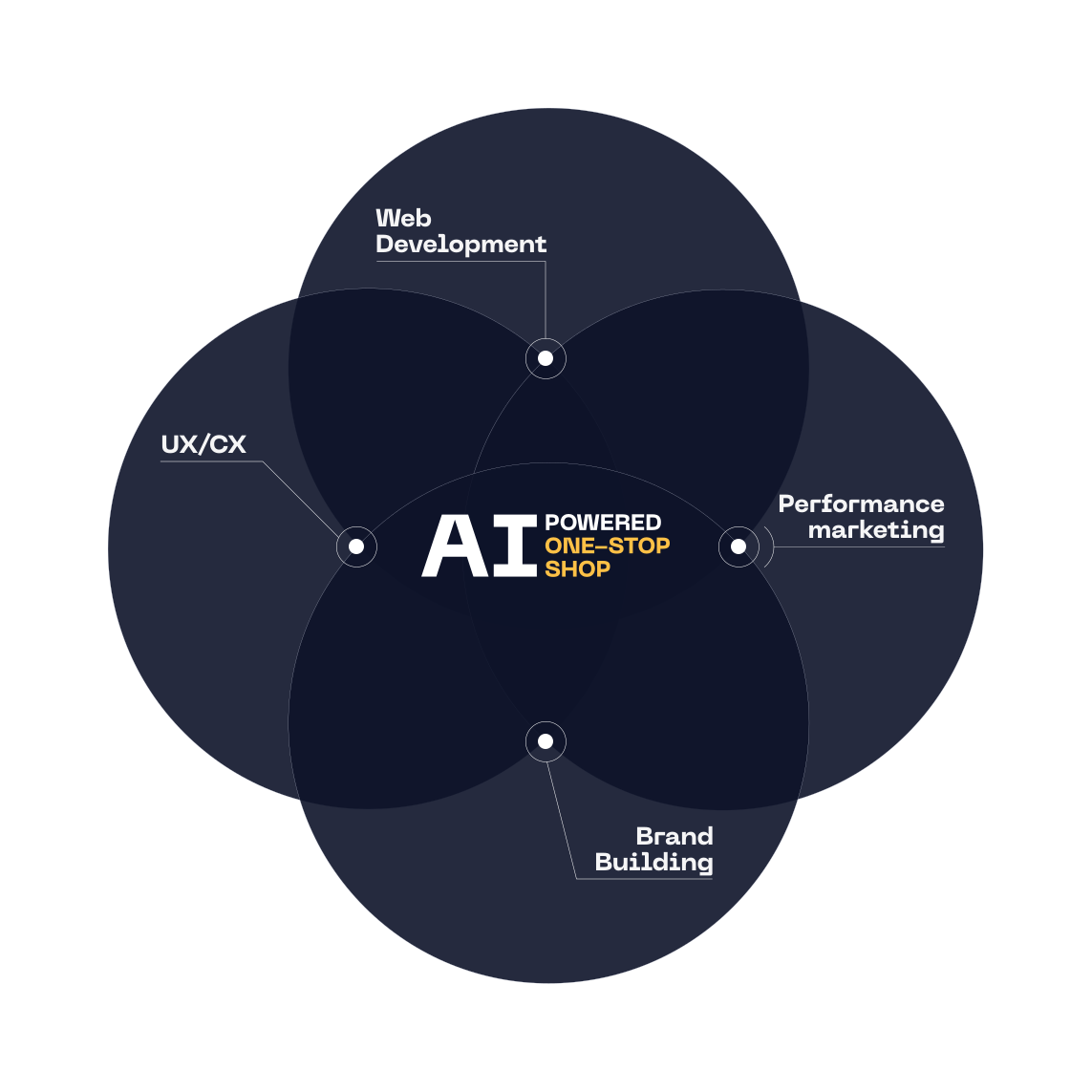
Everything for the growth of your business in one place
At ui42, we combine strategy, creativity, technology, marketing, and AI into one entity.
We build brands and visual identities, create websites and e-shops, design UX and CRO, create creative content, and deliver measurable results through performance marketing.
Our solutions are enhanced by FLUIDUM – ui42's AI intelligence, which transforms company data into a competitive advantage.
Thanks to this, you gain a partner who can cover the entire digital ecosystem of your business – from the first contact with the brand to conversion.
Don't miss out on the latest news from the world of UX, programming, analytics, and marketing.

Thank you for subscribing!

Get a free consultation
What do you need help with?
Select all options that apply to you
The form has been sent successfully.