403 code (Forbidden)
What does it mean
HTTP 403 (Forbidden) is a server status code that means the request was understood, but the server refuses to authorize it. In other words - access to the given page or resource is forbidden.
Unlike errors that occur due to a non-existent page, error 403 indicates that the content exists, but the user does not have permission to access it.
More info
What does HTTP 403 Forbidden error mean?
HTTP 403 Forbidden is among the so-called 4xx status codes, which indicate an error on the user's side or their access.
Typical situation:
- the page exists,
- the server is functioning correctly,
- but access is blocked.
From the server's perspective, it is a conscious decision - for example, based on permission settings, IP address, or authentication.
Most common causes and how to fix error code 403
Error code 403 can have multiple causes - from technical to security.
Most common reasons:
- incorrectly set access rights (permissions),
- blocking of IP address or country,
- missing or invalid authentication,
- incorrect server configuration (.htaccess, firewall),
- restrictions from CDN or security tools.
How to proceed with solving:
- check file and directory access rights,
- verify server configuration and security rules,
- check authentication and session,
- analyze server logs (response code 403).
For more complex projects, it is often necessary to address the error at the infrastructure or security layer level.
Difference between 403 and 401: Forbidden vs. Unauthorized
The difference between 401 vs 403 is in how the server responds to access:
- 401 Unauthorized – the user is not authenticated (must log in),
- 403 Forbidden – the user is known but does not have permission to access.
In simple terms:
- 401 = I don't know you
- 403 = I know you, but you don't have access
This difference is especially important in API, administrations, and secured parts of the web.
4xx status codes and their impact on SEO and web accessibility
HTTP 4xx codes mean that the problem is on the request side - something is not working from the perspective of accessing the page. Besides 403 (Forbidden), this also includes:
- 404 (Not Found),
- 401 (Unauthorized),
- 410 (Gone).
From an SEO perspective, the problem is not the existence of these codes themselves, but where and how they appear.
If a 403 error occurs on pages that are supposed to be indexed, search engines simply cannot access their content. The page exists, but Google cannot read or evaluate it.
A common problem also occurs when blocking technical files - for example, CSS or JavaScript. If Googlebot does not have access to them, the page is not seen as the user sees it. This can affect its rating and positions in search results.
In practice, this means only one thing: being clear about what should be blocked and what should not.
- Admin or sensitive parts of the web → OK to block
- Public content or important resources → should not be blocked
Incorrectly set HTTP 403 is not just a technical detail. It can really affect indexing, crawling, and how Google sees your web.
Latest news

Phishing website: What to do when someone copies your e-shop?


Imunoklub Case Study: Unification of Two E-shops and More Value from Each Visit


ChatGPT Ads are here, are you ready?


Who is a design engineer and what do they do? A discipline at the intersection of design and code


When to start preparing Christmas campaigns?


Strategic Digitization of a B2B Company 3/3: Digitization Roadmap for the CEO

Finax Case Study: Digital Transformation of an Investment Platform Built on User Research


Strategic Digitization of a B2B Company 1/3: Why AI is Not the First Step

Google Ads update August 17, 2026: why your performance may drop and how to prepare

Contact us
Everything for the growth of your business in one place
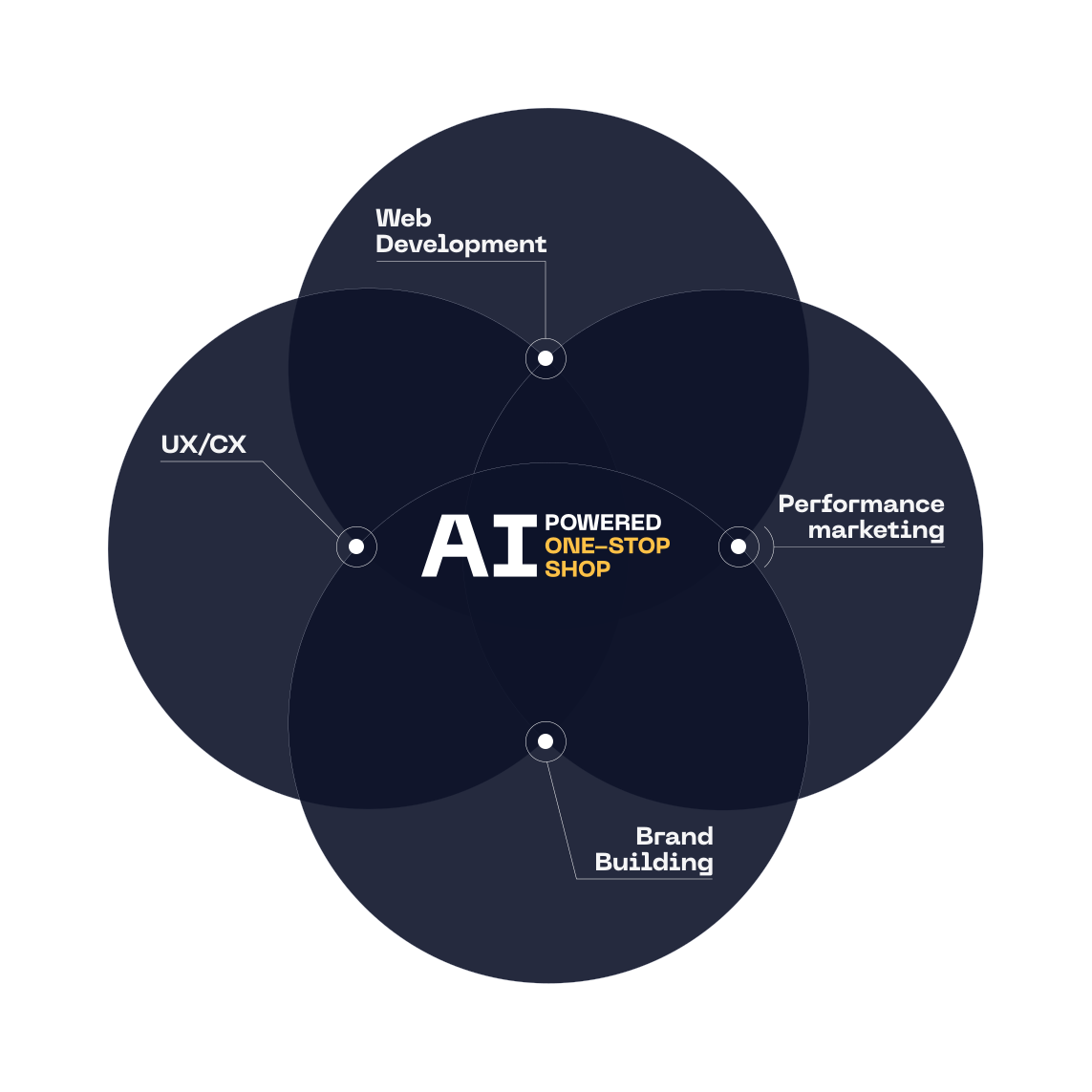
At ui42, we combine strategy, creativity, technology, marketing, and AI into one entity.
We build brands and visual identities, create websites and e-shops, design UX and CRO, create creative content, and deliver measurable results through performance marketing.
Our solutions are enhanced by FLUIDUM – ui42's AI intelligence, which transforms company data into a competitive advantage.
Thanks to this, you gain a partner who can cover the entire digital ecosystem of your business – from the first contact with the brand to conversion.
Don't miss out on the latest news from the world of UX, programming, analytics, and marketing.

Thank you for subscribing!

Get a free consultation
What do you need help with?
Select all options that apply to you
The form has been sent successfully.